
Features
Built for inspectors in the field.
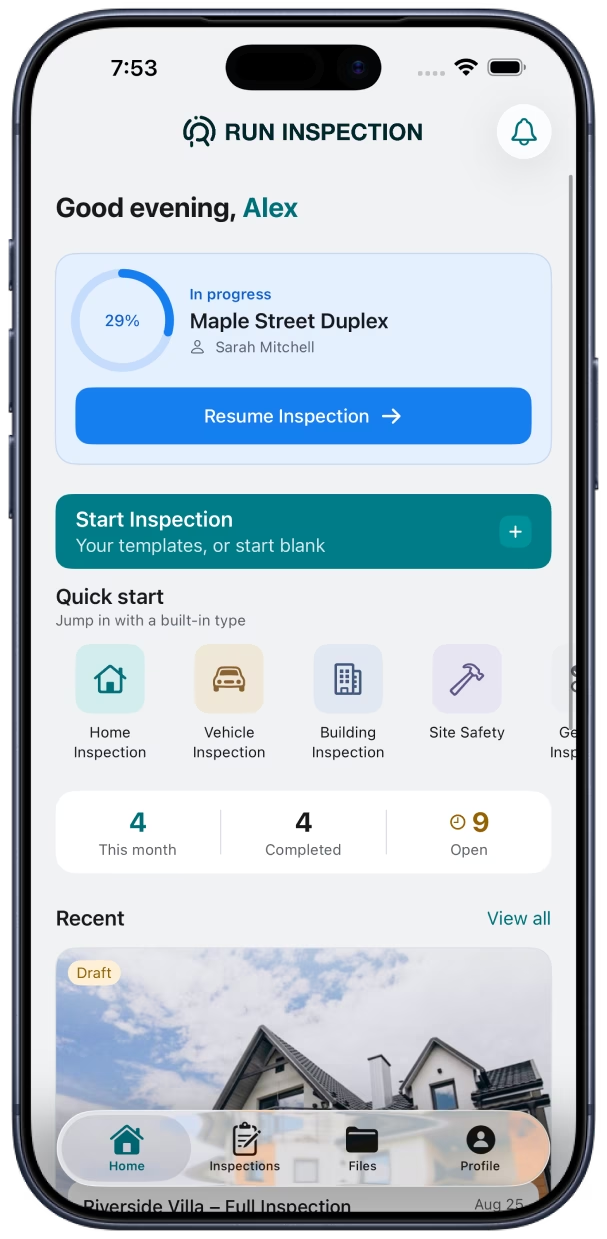
Everything in Run Inspection — from structured forms and on-site photos to branded PDFs and cloud backup on every plan. Works on iPhone, iPad, and Mac.
14 field types for any inspection
Build structured forms with text, numbers, dates, ratings, dropdowns, checklists, photos, signatures, location, QR / barcode scan, and more — so nothing gets missed on-site.
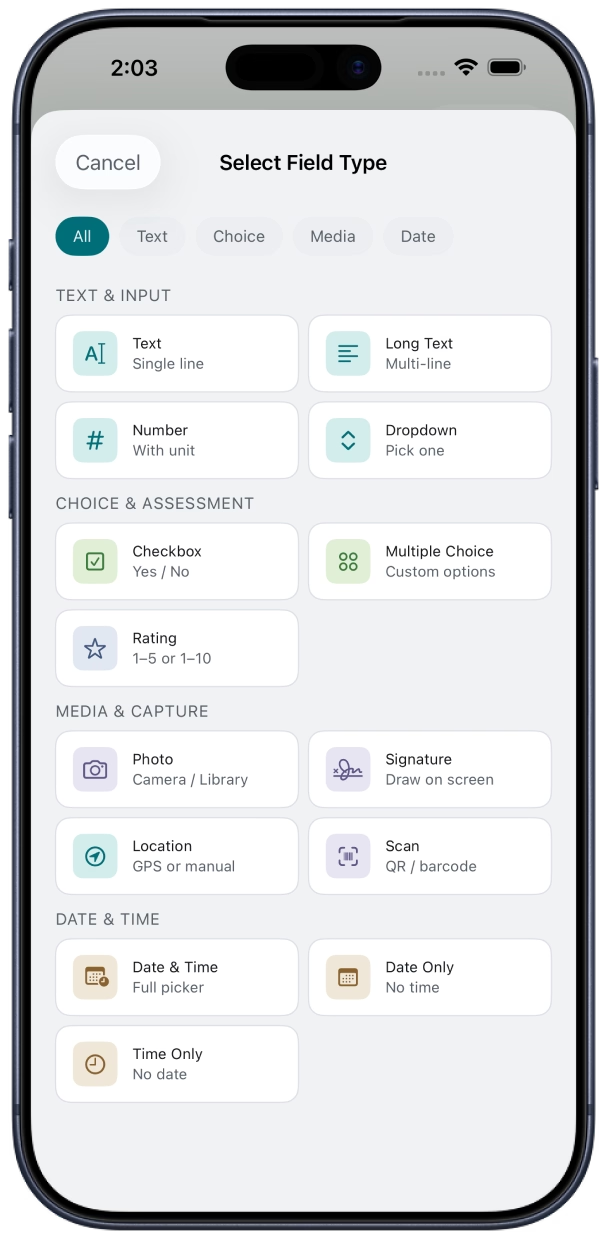
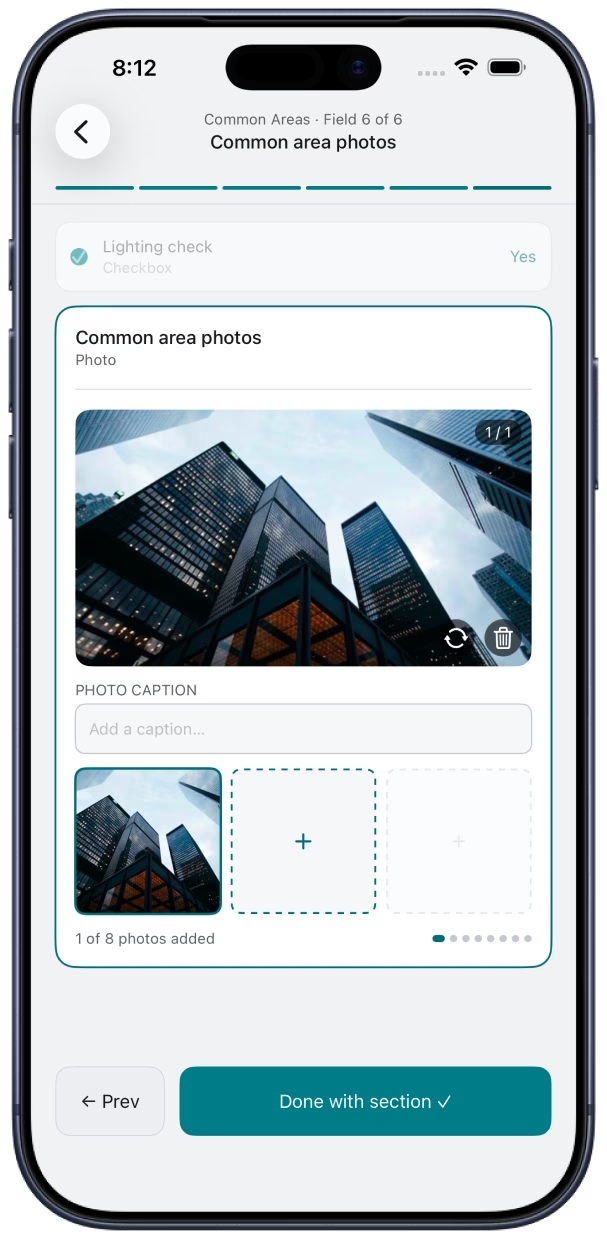
Photo capture on every field
Attach photos as visual evidence right where they belong. Snap from the camera or pick from your library — each field keeps its own photo set.
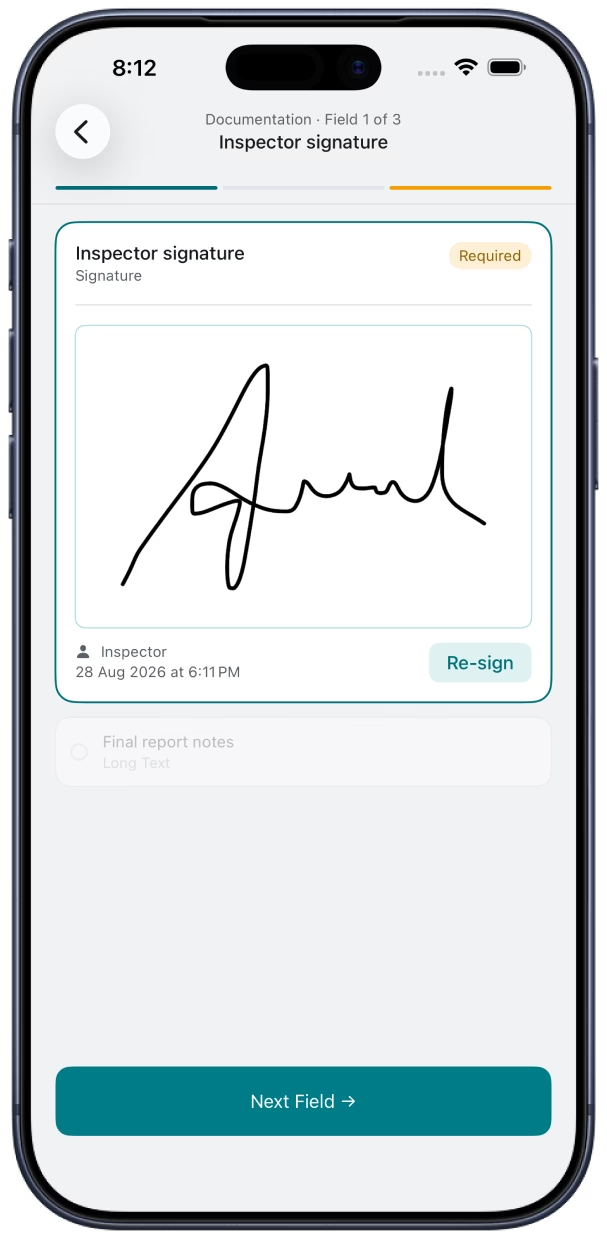
On-site signatures
Capture client and inspector sign-off on-device with a full-screen signature pad. Signatures embed cleanly in your PDF report.
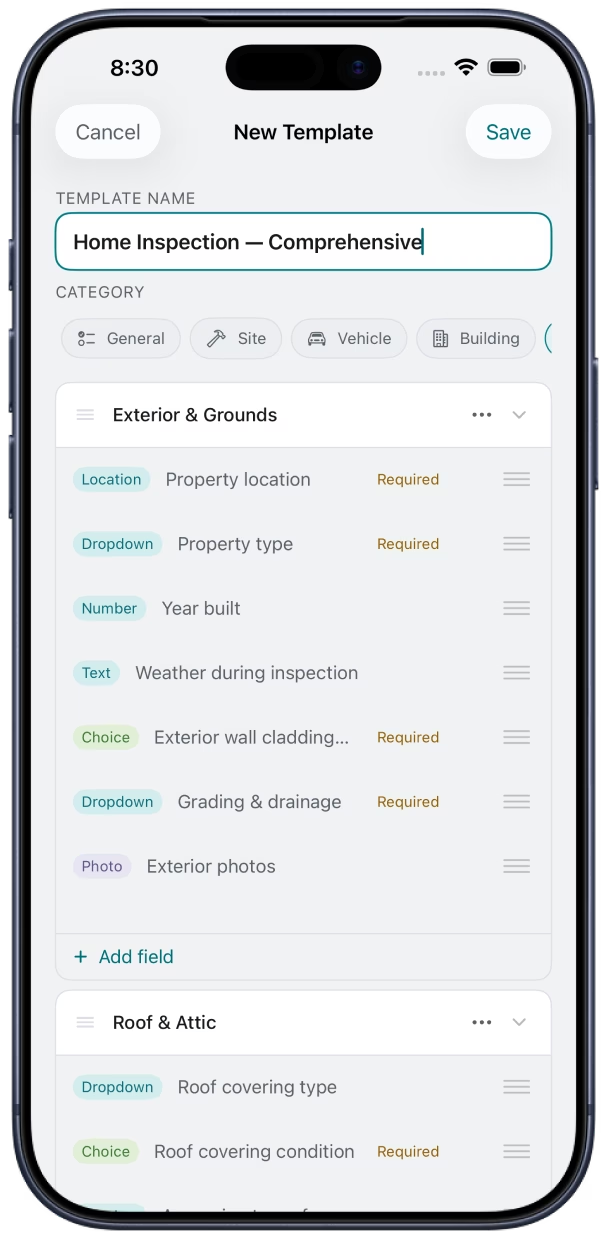
Templates and a custom builder
Start from ready-made inspection templates or build your own in the template builder. Duplicate, adapt, and grow your library as your business scales.
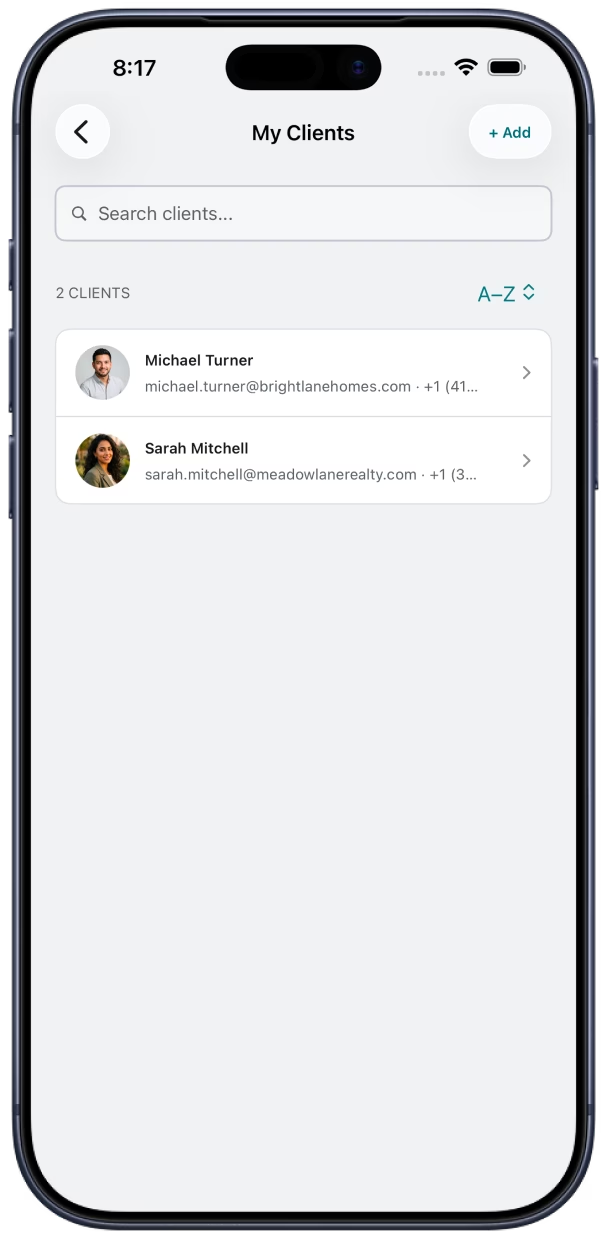
Clients and report branding
Keep a directory of clients and attach them to inspections. Add client logos and your own branding so every PDF reflects your business.
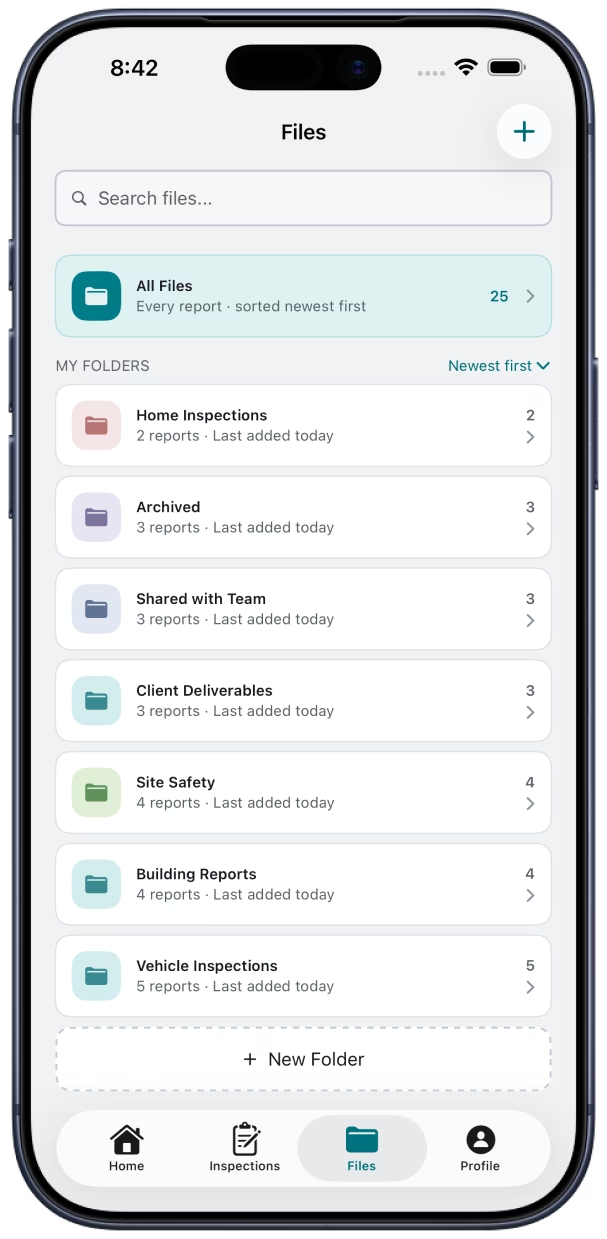
Files and folders
Group finished reports into folders and find anything fast. Your inspection library stays organized as your workload grows.
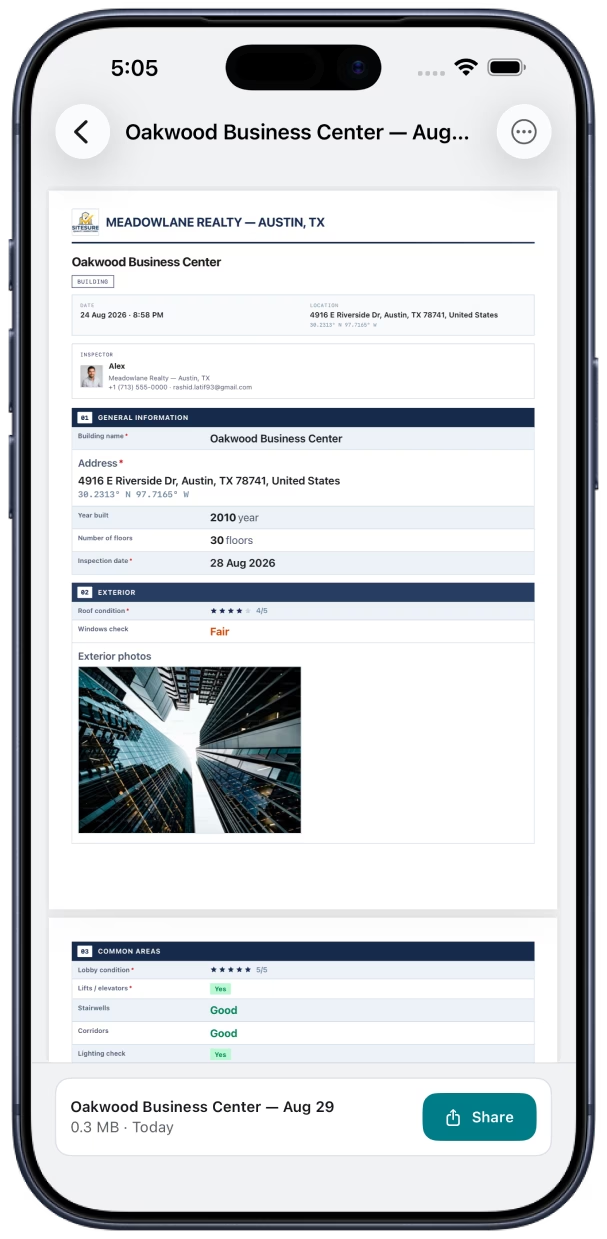
Branded PDF reports
Turn finished inspections into polished PDFs with multiple professional layouts. Add your logo, choose a design, then export or email straight from the app.
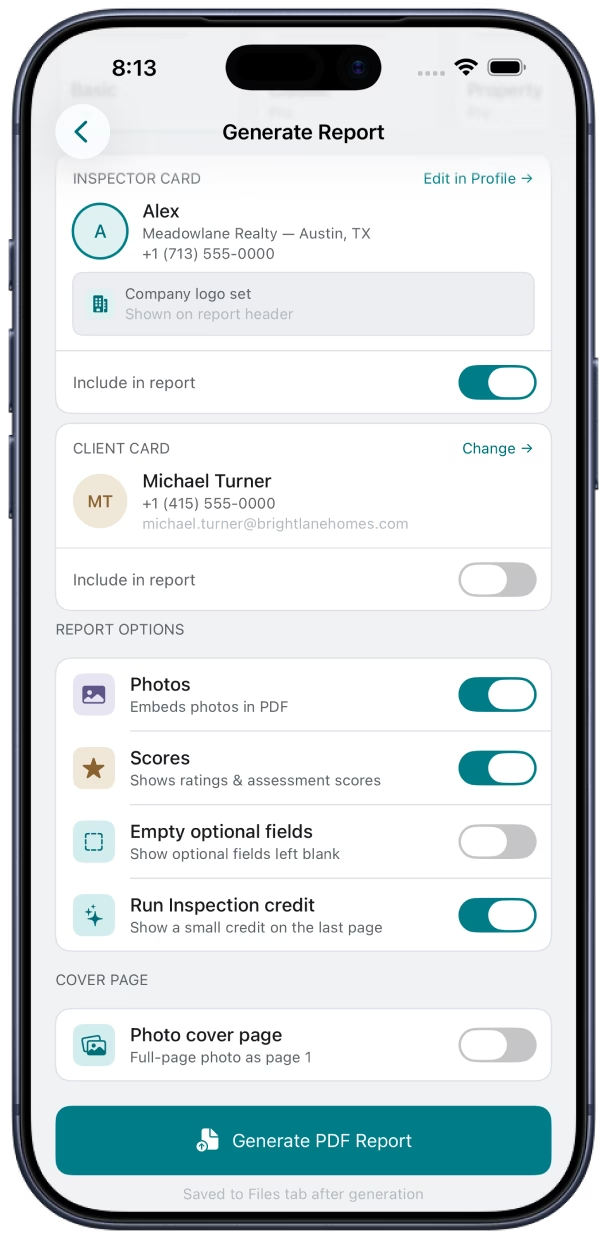
Custom photo cover page
ProMake page one of your report a full-page photo cover — your inspection hero shot with a title overlay. Toggle it on when you export. Pro plan.
Offline-first, cloud backup included
Everything works with no signal — data saves locally on your device and syncs automatically when you're back online. Cloud backup is included on every plan, free and Pro.
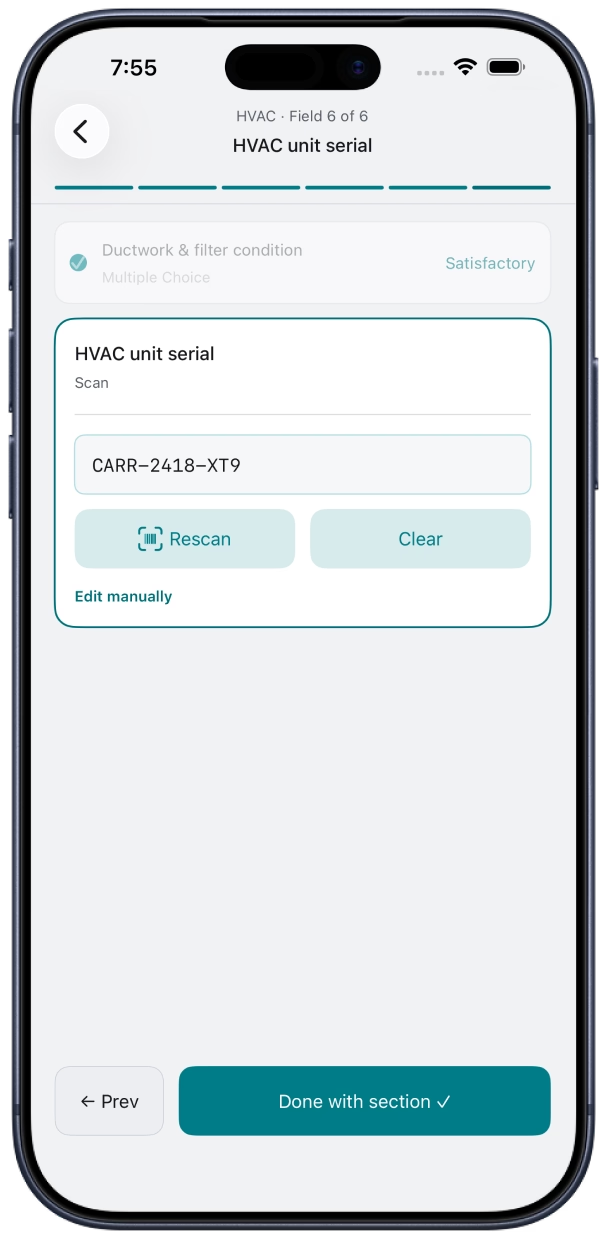
On-site capture
Scan QR codes and barcodes
The 14th field type. Open the camera, scan a QR code or barcode, and the decoded value is stored in the inspection — serial numbers, VINs, asset tags, UPC/EAN. Rescan, clear, or edit manually if a label won't scan. Available on every plan.
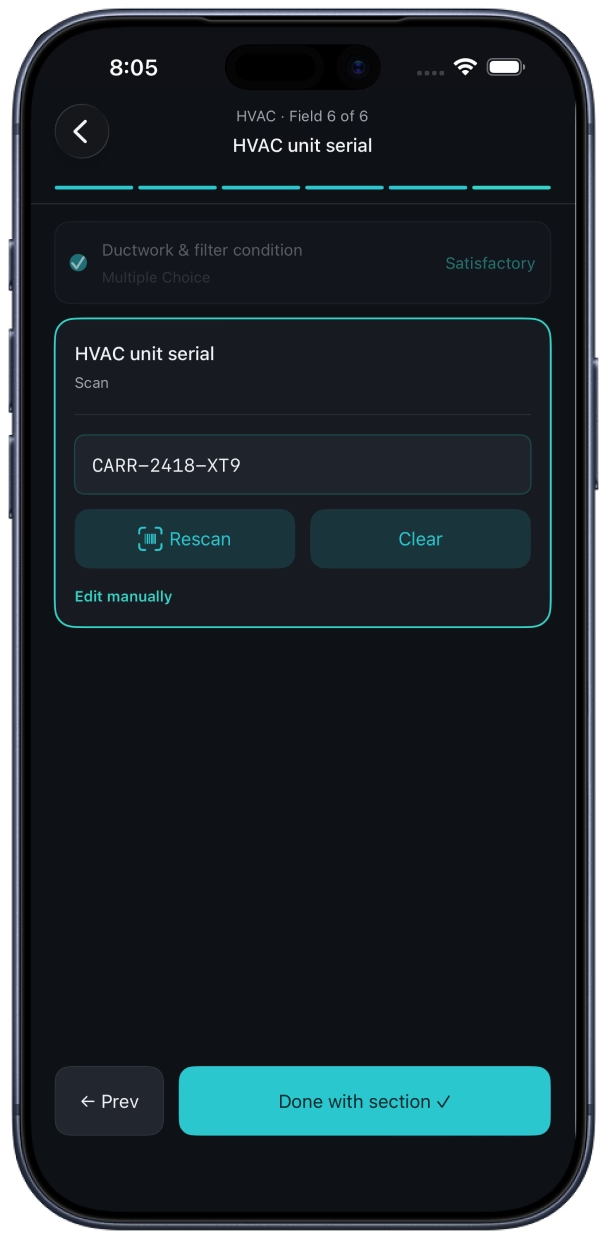
Works your way
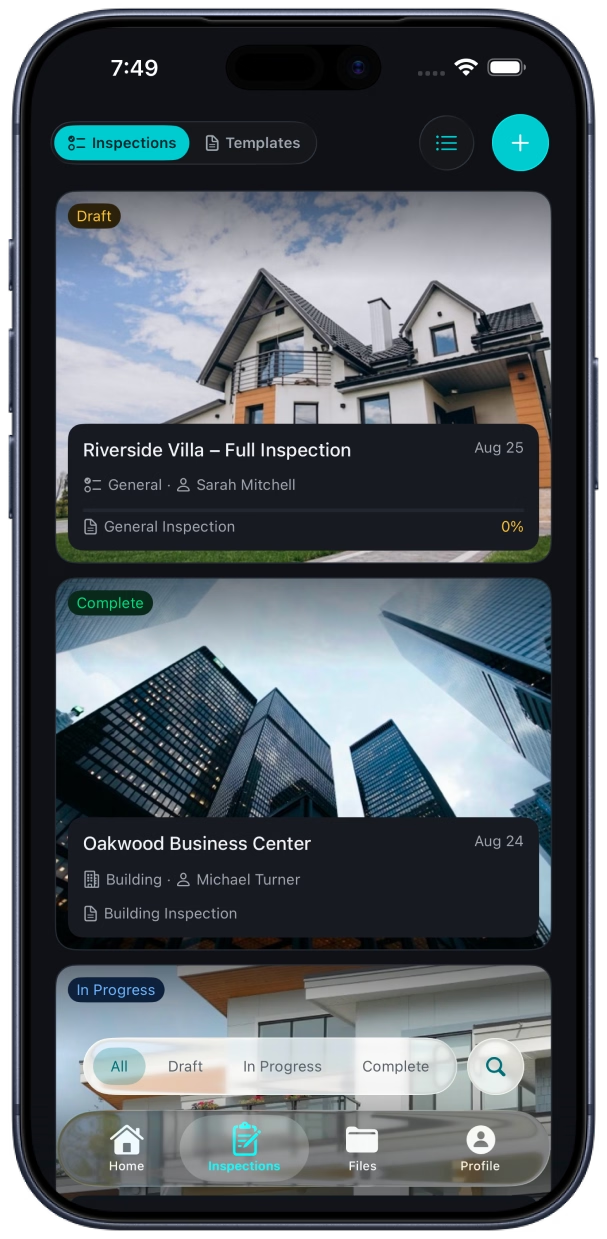
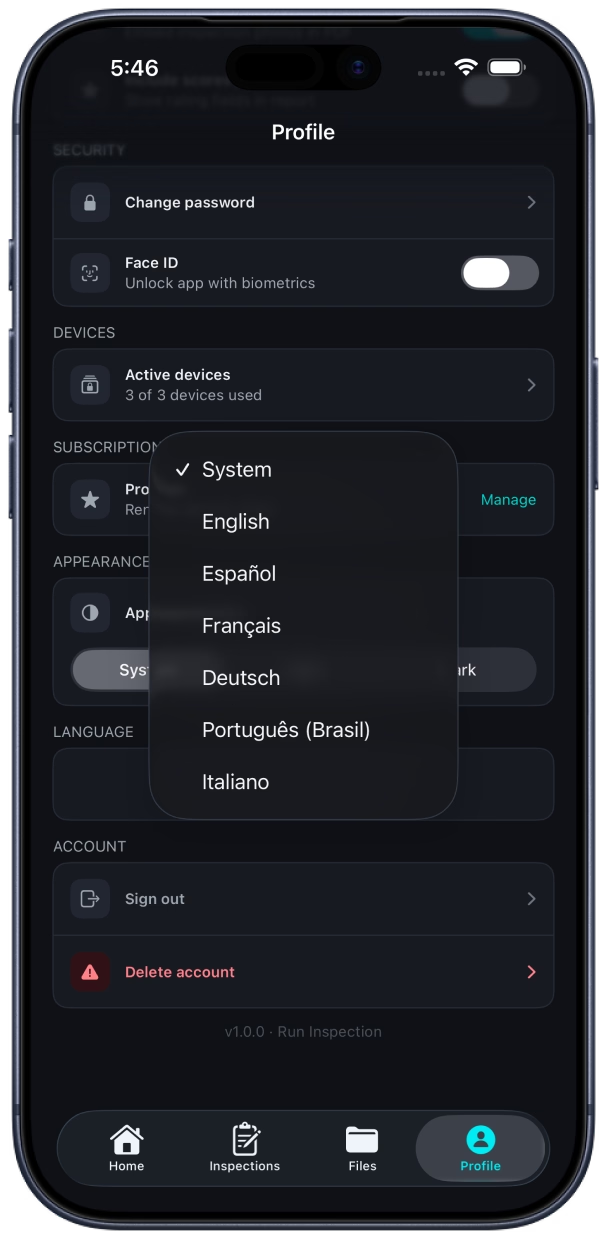
Light and dark mode
Run Inspection follows your iPhone or iPad appearance setting — bright daylight on-site or easy-on-the-eyes after hours. The app adapts; your workflow stays the same.
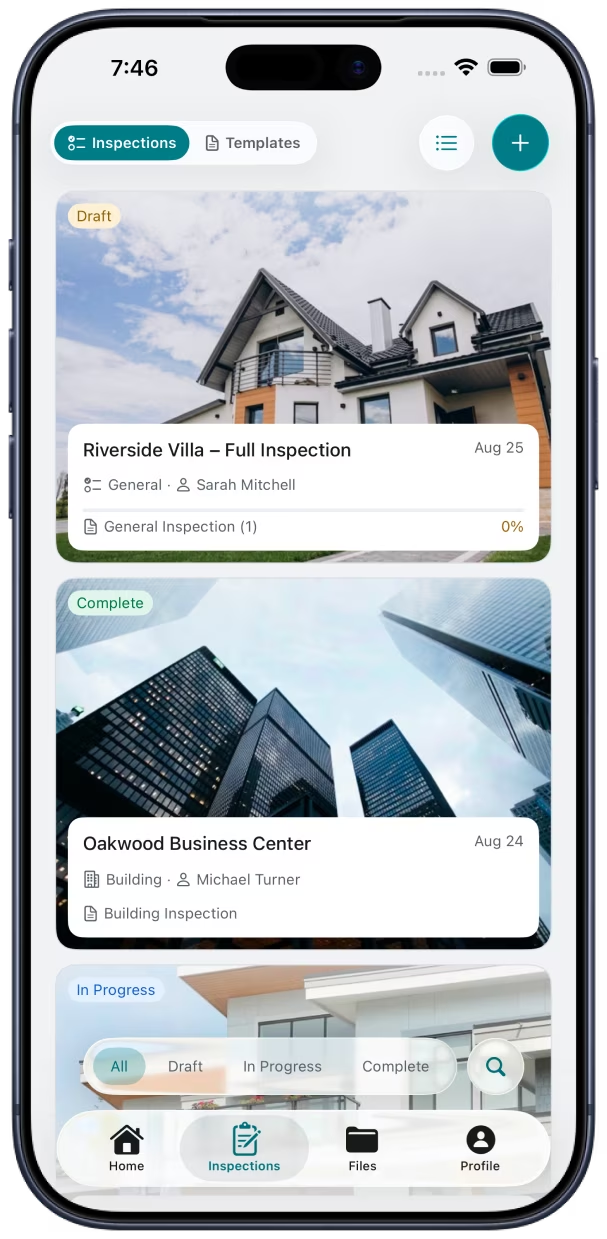
Works worldwide
Six languages built in
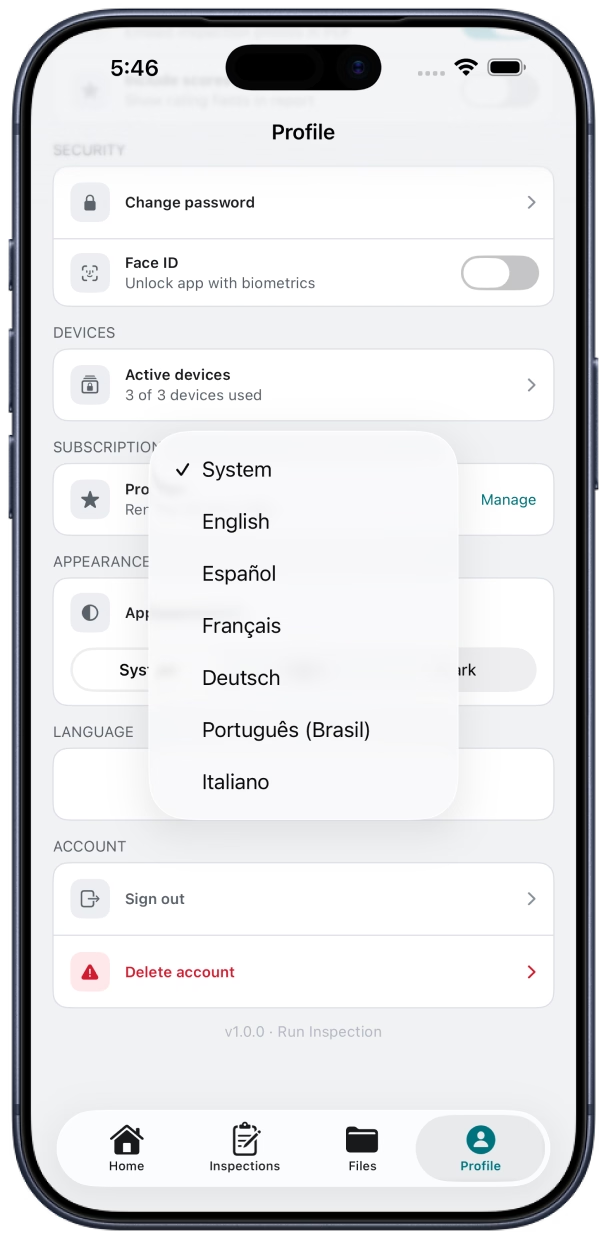
Set your language in Profile → Language, or leave System to follow your iPhone or iPad. The full app UI — navigation, forms, settings, and export flow — is available in six languages for inspectors across the US, Canada, Europe, and Brazil.
- English
- Español
- Français
- Deutsch
- Português (Brasil)
- Italiano
Or choose System to match your device language automatically.
Start inspecting smarter today.
Download Run Inspection and turn your next inspection into a professional report.

Scan with your phone to download